Path A · Self-hosted nodes
Run acceleration on your own servers; manage policy and status in the control plane.
Self-hosted CDN · control + edge · plugin market
Marketplace features open by version · community edition needs no activation · CDNFly-compatible workflow
Community edition — no activation
The control plane is your CDN console: after install, manage nodes, sites, users and plugins in the browser. Host your own edge servers, or subscribe on the node platform; marketplace features open by version.
Run acceleration on your own servers; manage policy and status in the control plane.
Suppliers list nodes on the platform; you subscribe from the control plane. Intent and settlement TBD.
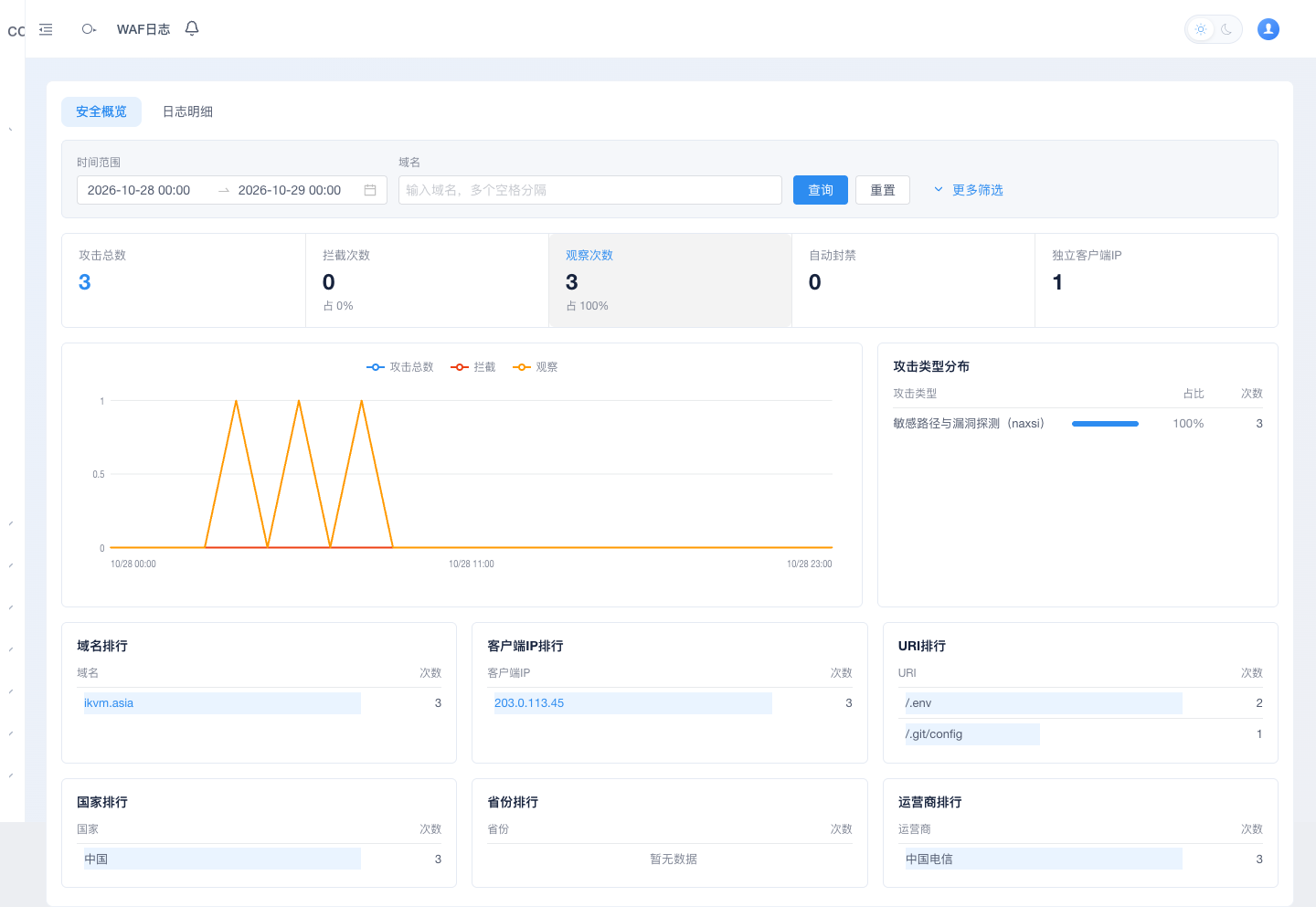
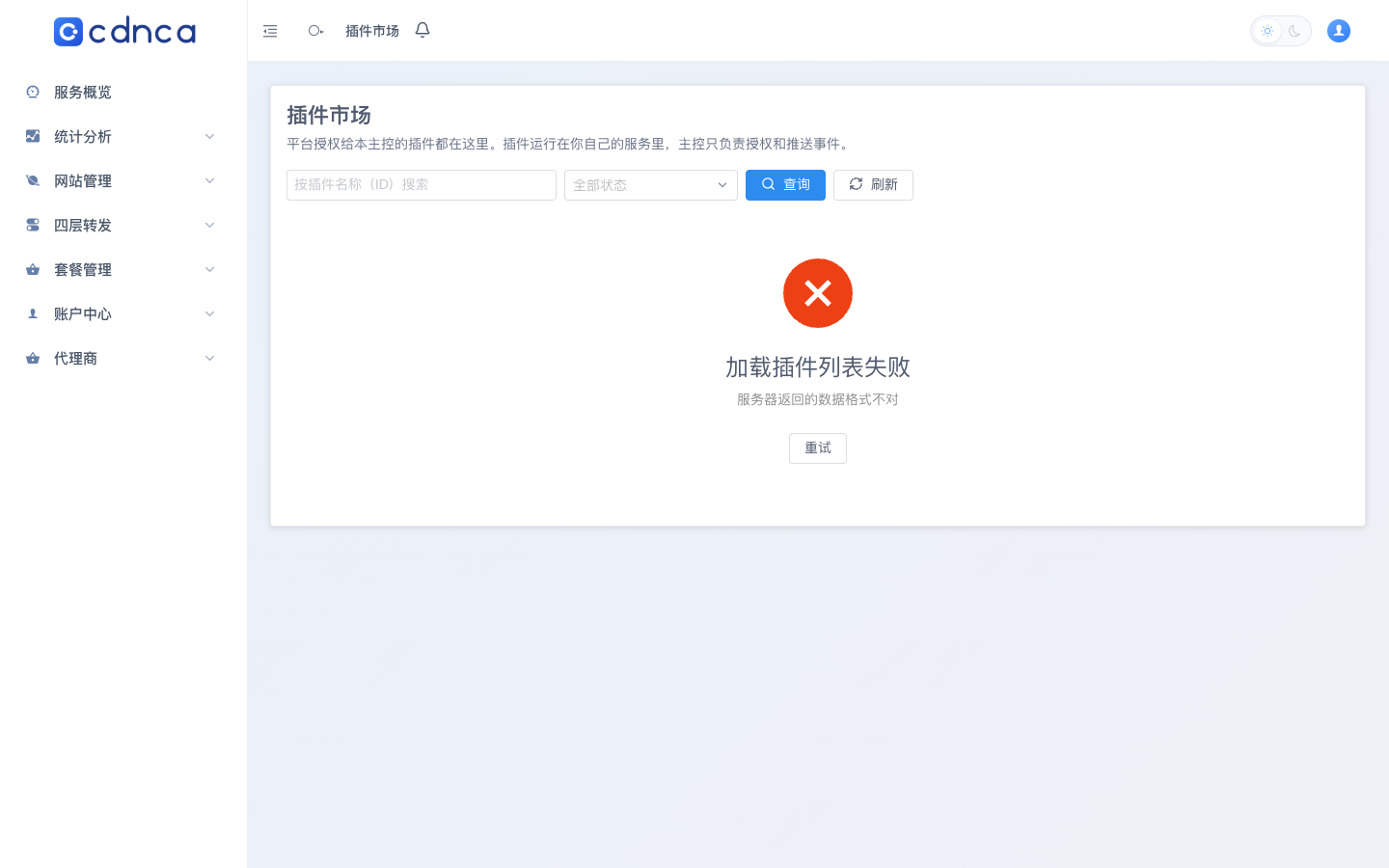
Real panel preview · not sign-in on this page · demo accounts TBD
Four core capabilities first. Plus marks commercial intent; marketplace features open by version.
List nodes on the market by day, traffic or 95th percentile; combine subscribed nodes with your own and resell them.
Learn more →Sites are data, not config files: add, change or remove without reloads. Designed for a million sites.
Learn more →Tunes exclusions to each site’s real traffic; the official rule library updates for free.
Learn more →Nodes learn a local baseline, mitigate within seconds when an attack starts and revoke when it ends.
Learn more →Think of the control plane as the “brain”: not the machine that accelerates traffic, but the admin console in your browser — nodes, sites, users and plugins. Community edition needs no activation; host or subscribe nodes; marketplace features open by version.
Install the console on one Linux server (package or one-liner).
Open the console URL, set an admin; community edition needs no activation.
Self-host nodes or subscribe; the Nodes page provides install guidance.
Add sites and DNS, then accelerate; plugins open by version.
/data/cdnca-native-root/cdnca/current/docs/platform-admin-recovery.md. Recovery revokes all of the account’s sessions but keeps MFA and API keys.